

Your Kindle highlights, finally useful.
Highlights get buried—you never go back. Export from Amazon, get clean JSON, and use them in Notion, flashcards, or your own apps.
 Install from Chrome Web Store
Version 1.1.0 · Released Feb 2026
Install from Chrome Web Store
Version 1.1.0 · Released Feb 2026
Features
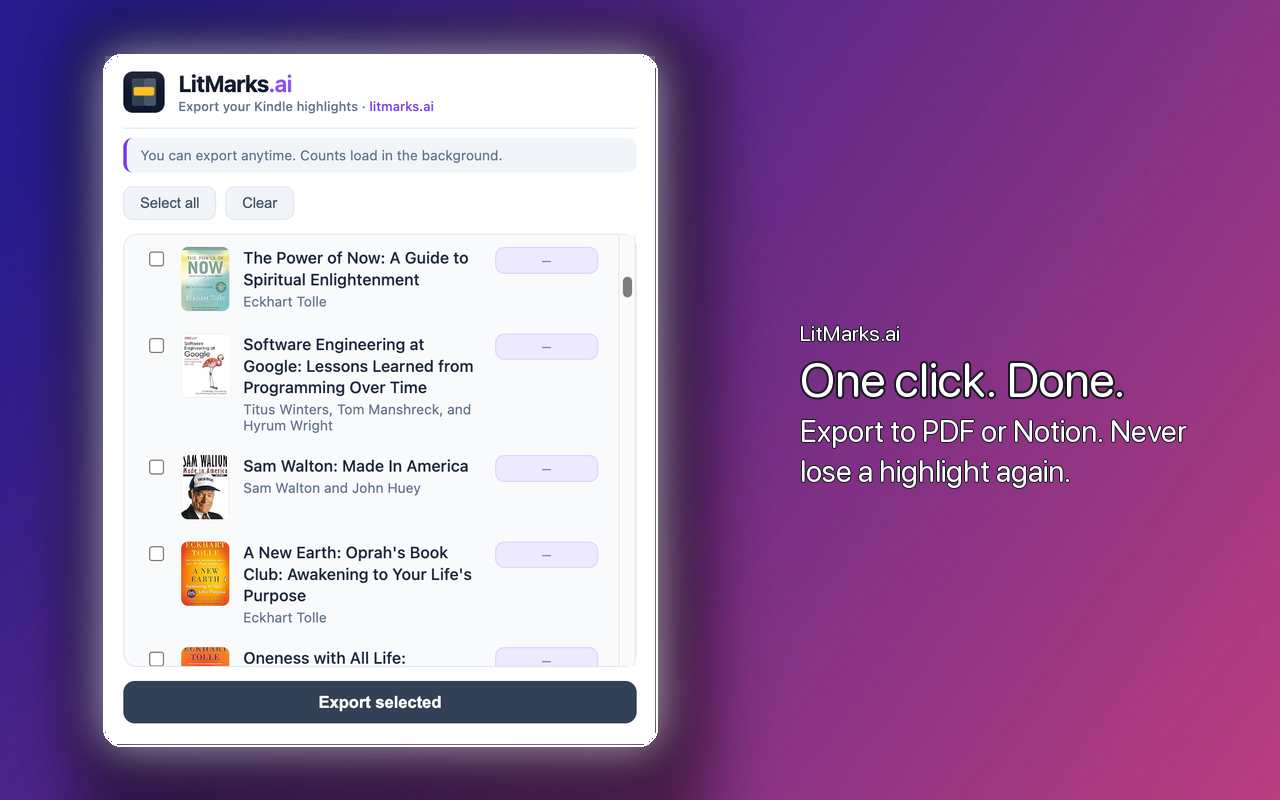
Select books
Choose which books to export. Use Select all or Clear for bulk actions.
JSON export
Structured output with titles, authors, highlights, colors, and locations.
One-click
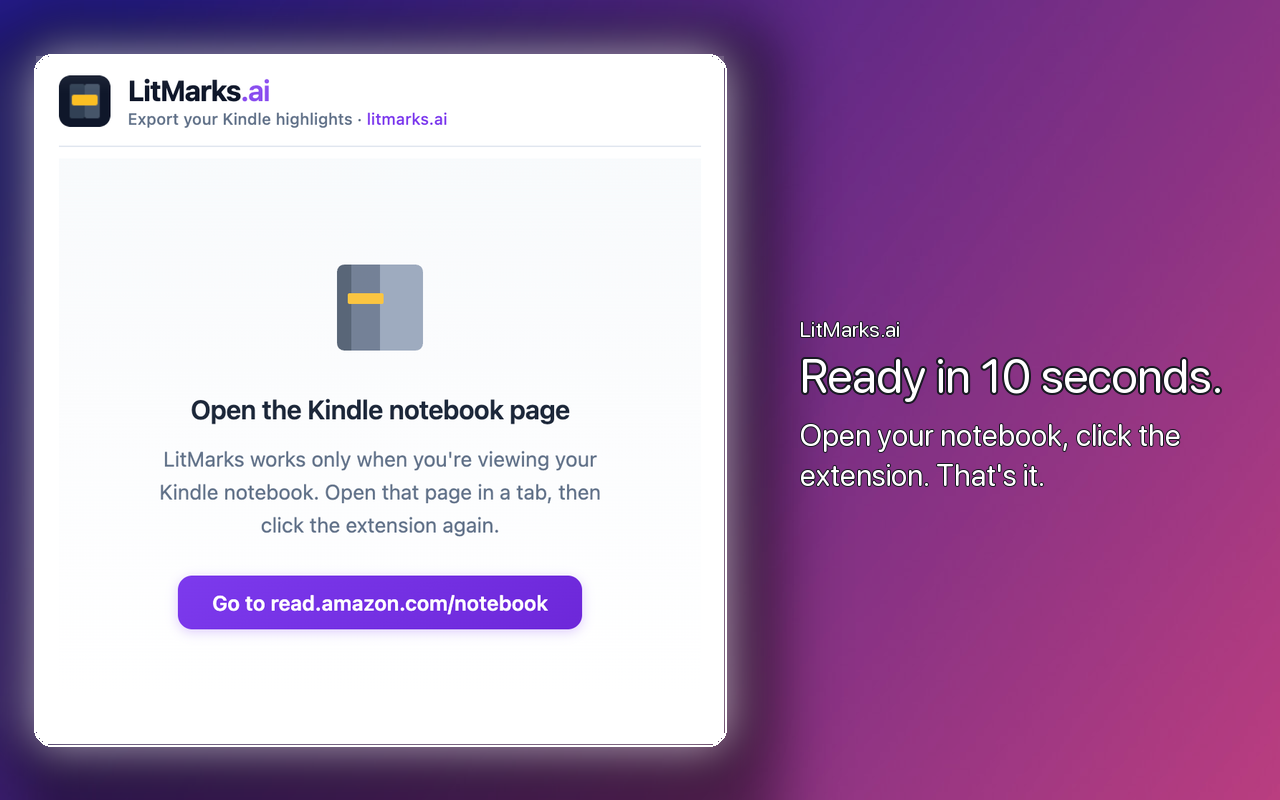
Works directly on the Kindle notebook page. No extra steps.
What’s next
Account, cloud sync, and AI-powered insights—your highlights, supercharged.
Create account
Sign up and sync your highlights to the cloud.
Collect your highlights
All your book highlights in one place, automatically.
AI-powered insights
Turn highlights into useful information—summaries, connections, and more.
How it works
-
1
Open read.amazon.com/notebook and log in.
-
2
Click the LitMarks icon in the Chrome toolbar.
-
3
Select the books you want and click Export selected.
-
4
Download the JSON file when done.
Output format
Download the JSON file and use it in any integration you want—Notion, Obsidian, your own app, or anywhere else.
{
  "extractedAt": "2025-02-06T...",
  "books": [
    {
      "asin": "B00LMGLXTS",
      "title": "Hooked: How to Build Habit-Forming Products",
      "author": "Nir Eyal and Ryan Hoover",
      "highlights": [
        {
          "text": "...",
          "color": "yellow",
          "location": "75"
        }
      ]
    }
  ]
}